A sales enquiry arrives. A proposal follows. A project begins. Finance needs the customer details, operations needs the agreed scope, and management wants to know what is moving forward.
When those updates live in separate spreadsheets, emails and applications, even a simple handover can require several follow-ups.
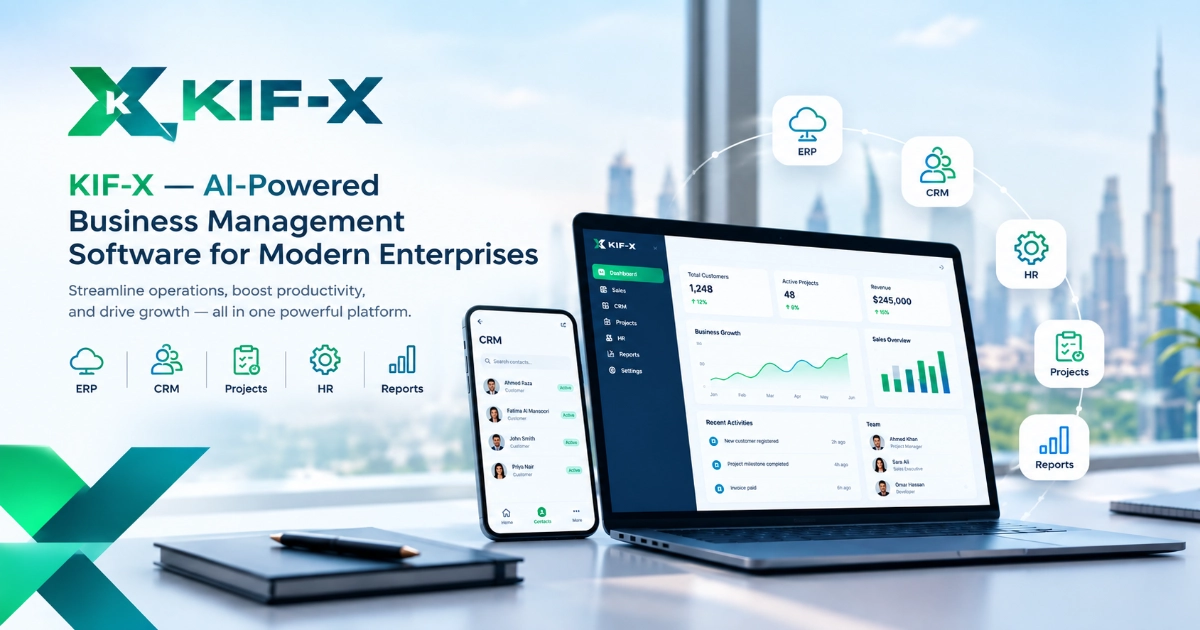
KIF-X is an AI-powered, modular cloud business management platform developed by KIF Consultancy. It brings together applications for CRM, ERP, finance, HR, property operations, projects, marketing, healthcare and reporting, with workflows and dashboards configured around business requirements.
This guide explains what the platform covers, how its modules differ, and what to consider when choosing a starting point.
What Problem Does KIF-X Aim to Solve?
Disconnected information can make everyday work harder to coordinate. A salesperson may know that a customer has approved a proposal while the delivery team is still waiting for an update. A property manager may have a renewal date in a spreadsheet that colleagues cannot see.
The issue is often the handover between people and systems.
KIF-X is designed to bring relevant records, responsibilities and operational information into a connected environment. Its modular approach allows a business to address a specific requirement first and introduce further capabilities as needed.
A useful starting question is: Which process becomes difficult because employees cannot reliably see the latest information or the next required action?
That answer helps determine which software capability deserves attention first.
What Are the KIF-X Products?
The KIF-X product directory lists 11 applications, each with a different operational focus.
Product Main focus Business requirement to discuss
KIF-X Connect CRM and sales Organising leads, customers, pipelines and sales activity
KIF-X One ERP and business operations Coordinating processes, workflows, approvals and reporting
KIF-X Ledger Finance and accounting Managing receivables, payables and financial controls
KIF-X People HR and employee management Organising employee records, attendance, leave and payroll workflows
KIF-X Prop Property management Managing units, tenancy contracts, rent collection and maintenance
KIF-X Realty Real estate inventory Organising property inventories, projects, availability and client requirements
KIF-X Flow Projects and tasks Assigning responsibilities and tracking project deadlines
KIF-X Insight Business intelligence Reviewing KPIs, exceptions and management reports
KIF-X Pulse Marketing workflows Coordinating campaign research, content, approvals, publishing and reporting
KIF-X Care Healthcare operations Coordinating patient administration, appointments, billing and clinic workflows
KIF-X CostIQ Clinical costing Analysing costs across departments, services, procedures and patient encounters
These descriptions reflect the published product positioning. Confirm the scope, availability and configuration of the features you need during a demonstration. The product directory currently identifies integrated EMR functionality for KIF-X Care as under development.
Explore the KIF-X product ecosystem to identify the applications relevant to your team.
How Are CRM, ERP and Specialist Modules Different?
CRM supports customer relationships and sales activity. ERP coordinates broader business processes. Specialist applications address the detailed requirements of a particular function or industry.
For example, a business primarily struggling with sales follow-ups could begin by evaluating KIF-X Connect. A company reviewing approvals and workflows across departments could explore KIF-X One.
Property businesses should also distinguish between portfolio operations and inventory management. Tenancy contracts, rent collection and maintenance align with the published focus of KIF-X Prop. Property availability and matching inventory to client requirements align with KIF-X Realty.
The right starting point depends on the process being improved. Selecting every available module is not a prerequisite for beginning.
How Can Connected Workflows Help Day-to-Day Operations?
Consider an illustrative professional-services workflow.
A new enquiry needs a sales owner. Once the customer agrees to proceed, the delivery team needs the agreed scope, responsibilities and deadlines. Finance needs the relevant customer and billing information. Management needs visibility into progress and unresolved issues.
During a KIF-X demonstration, a business could ask to see how that sequence would work across the proposed modules:
1. Where is the enquiry recorded?
2. Who owns the next action?
3. What happens when the sale progresses?
4. Which information becomes available to the next team?
5. How are delayed activities identified?
This is a workflow to evaluate, not a claim that every handover operates automatically without configuration.
A successful setup should make it easier for employees to understand the status of work and their responsibilities within it.
What Is the KIF-X Command Center?
The KIF-X Command Center is described as a role-specific view of operational information, dashboards, alerts and performance indicators.
A sales manager may need to review outstanding follow-ups and pipeline activity. A property manager may need visibility into renewals, collections and maintenance. A department manager may need to see deadlines and delayed tasks.
Different responsibilities call for different information.
When evaluating a dashboard, ask whether each indicator leads to a useful decision. An overdue-task total is more actionable when the manager can identify the owner, understand the delay and determine what should happen next.
Dashboard accuracy also depends on the quality and timeliness of the underlying records.
How Does KIF-X Use AI and Automation?
KIF-X describes an approach combining configurable business rules, workflow automation and AI-enabled tools.
These capabilities should be understood separately. A deadline reminder can follow a fixed rule: if an activity remains incomplete after the agreed time, notify the responsible person. AI functionality should be assessed through the specific output it produces and the review controls available.
The homepage illustrates automation using a website enquiry that has received no response within a defined period, followed by a task assignment and management alert.
For your own implementation, confirm the available triggers, connections, permissions and escalation rules. Also establish which actions require human approval.
The practical test is whether the capability helps people act on reliable information.
Which Businesses Can Consider KIF-X?
KIF-X identifies several target sectors, including real estate, healthcare, professional services, accounting and finance, trading and distribution, and service businesses.
For UAE organisations evaluating business management software, industry relevance is a starting point. The more useful assessment is whether the proposed configuration supports the company's actual responsibilities, reporting needs and daily workload.
A property company and a consultancy may both need customer records, but their operational handovers can differ substantially. Industry-specific requirements should therefore be demonstrated rather than assumed.
How Should a Business Get Started?
Start with a process review before selecting modules.
- Define the priority. Identify the workflow causing repeated delays, duplicate entry or unclear ownership.
- Agree on the scope. List the necessary records, users, approvals, dashboards and connections.
- Prepare the information. Review data quality and decide who is responsible for maintaining each record.
- Test a focused pilot. Include normal activities and exceptions, such as absent employees, incomplete records and reassigned tasks.
- Measure the change. Compare response times, overdue activities or reporting effort with the previous process.
- This staged approach gives the team a clearer basis for deciding whether and how to expand.
Explore KIF-X Around Your Business Requirements
A connected platform becomes useful when it supports a clearly defined way of working.
Bring one real process to a KIF-X consultation: a sales handover, a property renewal, a project approval or a management report. Ask the team to demonstrate the relevant modules, required configuration and information flow.
Request a KIF-X demonstration to discuss how the platform could support your organisation's workflows and reporting needs.